Setting up payments for your online store
Every extra step between “I want this” and “I've paid for this” is a chance for a customer to change their mind. Getting payments right when you set up your online store is one of the highest-leverage things you can do — here's how to do it properly from day one.
Start with mobile money
For most shoppers in Uganda, MTN and Airtel Mobile Money aren't a backup option — they're the default. OneTapPOS builds mobile money checkout into your store automatically, in UGX, so it's ready the moment your store goes live.
Add cards and bank transfers for everyone else
Not every customer pays the same way. Accepting cards and bank transfers alongside mobile money widens who can actually complete a purchase, with every transaction encrypted end-to-end so customers can enter their details with confidence.
Turn on instant alerts
You shouldn't have to refresh a dashboard to find out if you've been paid. A real-time alert the moment a payment lands means you can start preparing the order immediately, instead of finding out hours later.
Offer pay-on-delivery where it makes sense
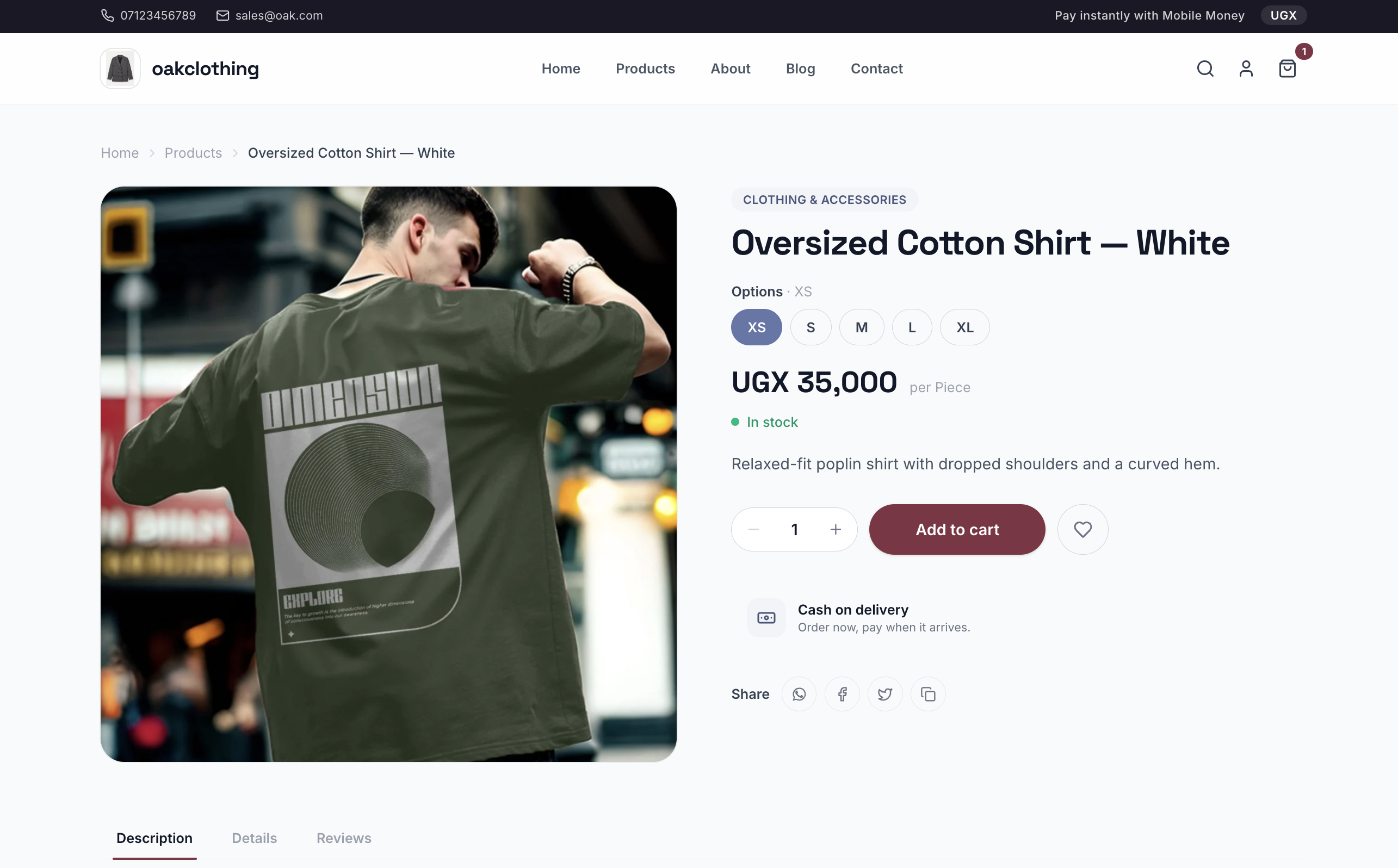
Some customers still want to see and pay for an item at the door. You can set that up as a delivery option on your OneTapPOS store — Pay On Delivery, priced at UGX 0 — for the customers who'd rather pay in person.
Let reconciliation happen on its own
Once payments are flowing in through more than one method, matching them back to orders by hand gets tedious fast. Every payment on OneTapPOS is automatically matched to the order it came from, so your books stay accurate without a spreadsheet.
Ready to switch your checkout on? See how payments work on OneTapPOS.