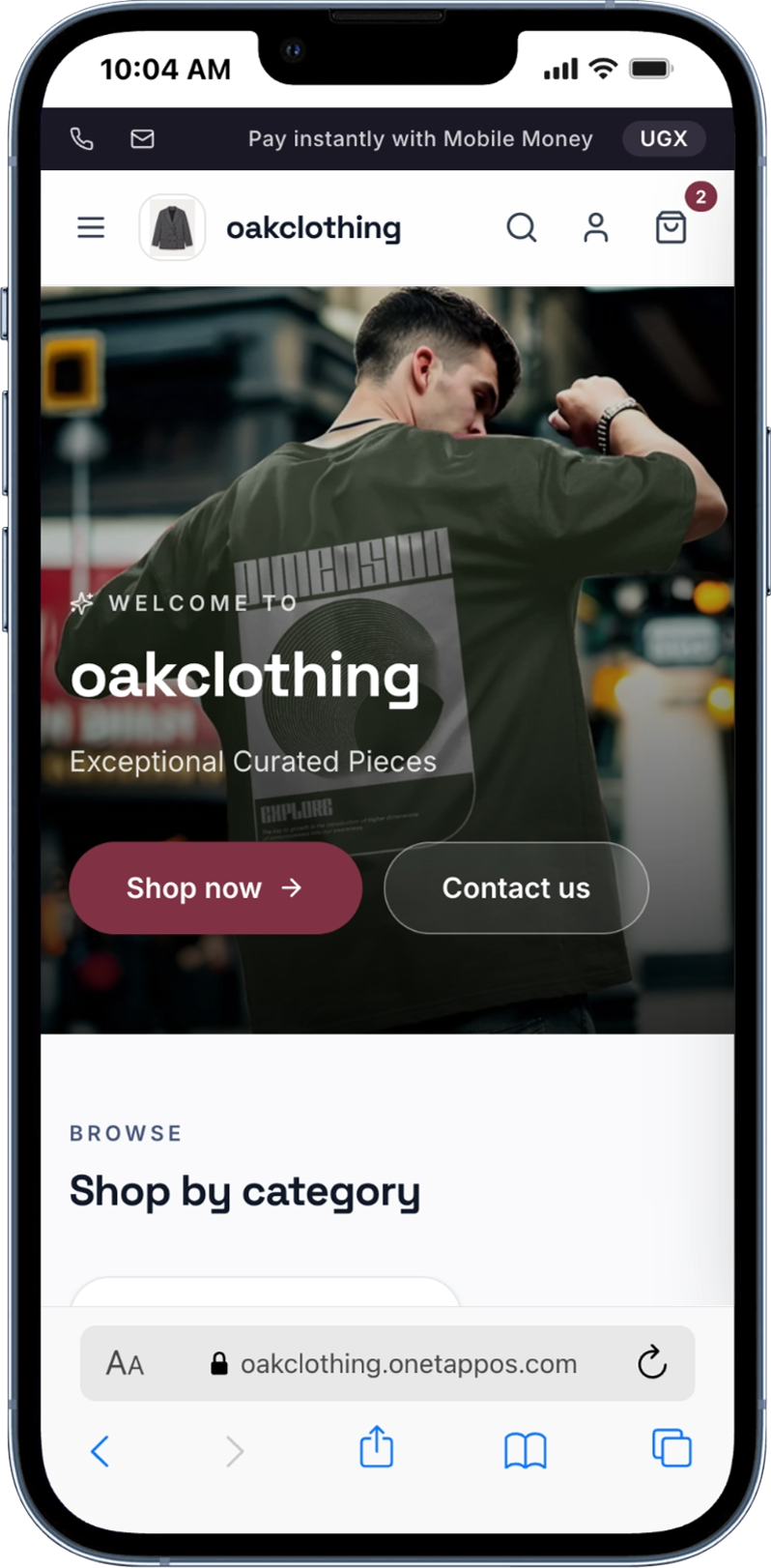
5 ways to keep your inventory accurate every day
A stock count that doesn't match reality is expensive in two different directions. Undercount, and you turn away a customer for an item you actually have. Overcount, and you sell something you don't — then spend the next hour apologising and refunding. Neither is a big deal once. Both add up fast when they happen every week.
The good news is that inventory accuracy isn't really about working harder — it's about removing the places where manual entry sneaks in. Here are five habits that make the biggest difference.
1. Let every sale update your stock automatically
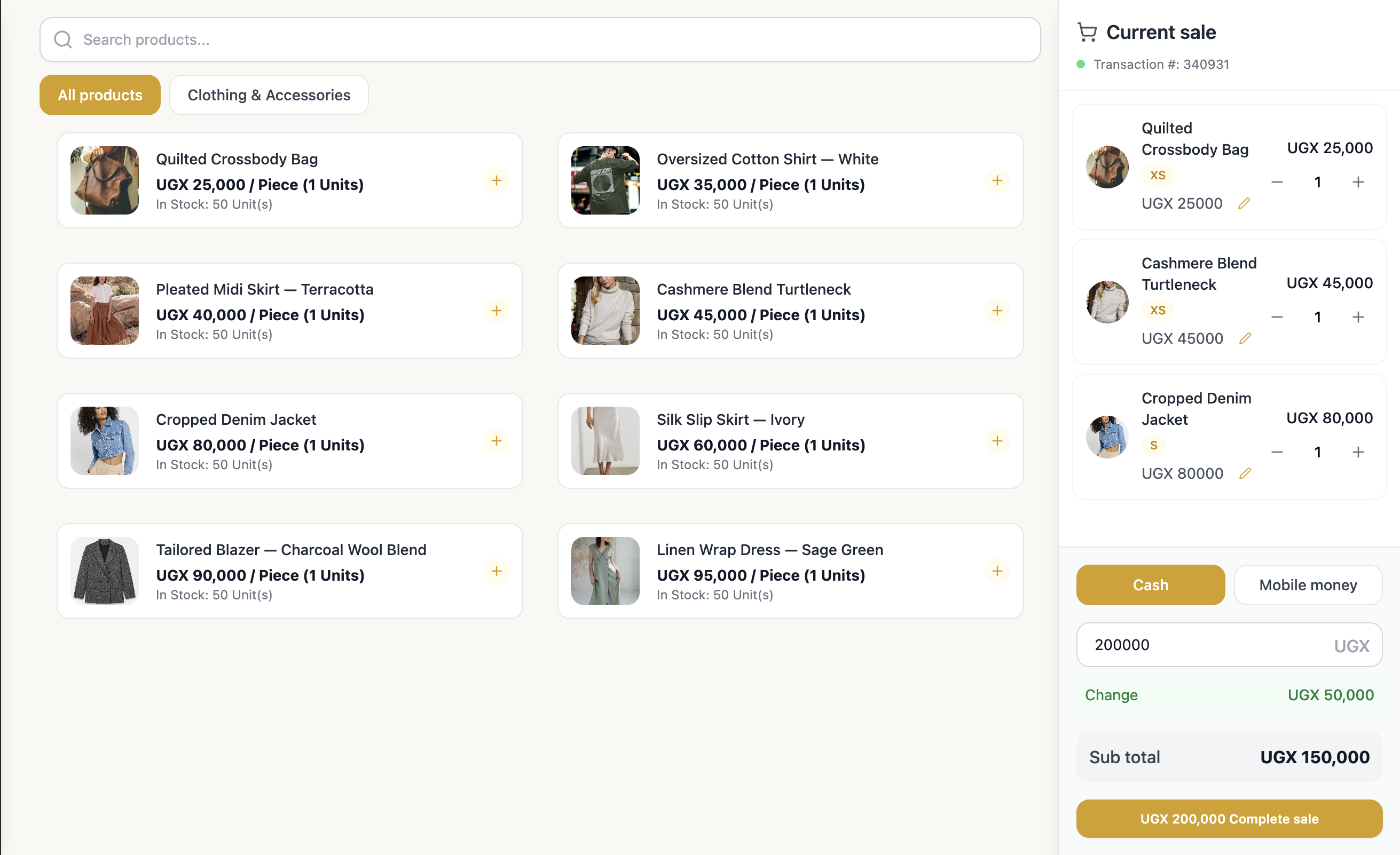
The most common source of bad stock data isn't theft or damage — it's a spreadsheet that fell a day behind. If updating inventory is a separate step someone has to remember to do, it will eventually get skipped. On OneTapPOS, every sale — online or at the counter — deducts from stock the moment it happens, so the number on your screen is always the number on your shelf.
2. Scan it in, don't type it in
Manually typing quantities is where small errors creep in: a missed digit, a duplicate entry, a product logged under the wrong variant. Barcodes remove that guesswork — scan new stock in as it arrives, and scan it out at checkout, with no typing in between.
3. Set low-stock alerts before you run out
Running out of a bestseller mid-week is a stock problem disguised as a sales problem. A low-stock alert gives you the few days of notice you need to reorder before a gap opens up, instead of finding out when a customer asks for something you no longer have.
4. Reconcile on a schedule, not just when something feels off
Automation handles the day-to-day, but it's still worth a quick physical count on a fixed schedule — weekly for fast-moving items, monthly for everything else. It catches the things software can't: damage, miscounts on arrival, or stock that quietly walked off.
5. Keep one source of truth across every till and every branch
If each branch or register keeps its own count, you'll always be reconciling numbers instead of trusting them. A single, shared inventory view — the same one your till, your website, and your other locations all read from — is what makes the first four habits actually hold up as you grow.
Want to see this running across more than one location? Explore multi-location inventory on the Growth plan.